Friday, February 5, 2016

Topic: Design is Order

Topic: Design is Order

Studio Activity 1:
Create >  Organizational Geometrics
Studio Activity 2:
Create >  Design by Chance
machine-element-1924.jpg!Blog.jpg

The Big Ideas:
A system is a structure of interacting, intercommunicating components that operate individually and jointly to achieve a common goal.  

Designing is creating conceptual and visual unity by giving order to diverse but interrelated and interdependent parts.

Standards:
As an art student, I will understand and demonstrate the ability to...
  • Understand and apply media, techniques, and processes with skill and confidence
  • Use design principles and functions to accomplish specific visual art problems
  • Choose and evaluate subject matter and ideas
  • Reflect upon and assess the characteristics and merits of my work
  • Make connections between my art and other aspects of life

Goal Concept:
Artistic activity involves conceptual, visual and psychological order.

Access Prior Knowledge:
“There is no work of art without a system.” ~ Le Corbusier

Dialogue > Le Corbusier on Art

New Information:

Design
The term design can be used either as a noun or as a verb.  Design can refer to either an object or an action.  As a noun, it can denote a plan, a drawing or a representation.  As a verb it can refer to a way of thinking and doing or a way of applying organizational principles, or of endeavoring to achieve a conceptual and aesthetic gestalt.  John Ruskin said, “Design is not the offspring of idle fancy; it is the studied result of accumulative observation.”

A good design must have a strong foundation or underlying formal order behind its visual content.  To emphasize this, painter Christopher Pratt said, “A work of art has to stand on its own merits which are independent of its source.  A geometric structure should be engineered, stressed, proportioned, calculated, and balanced with the same care we would bring to the design of a bridge or the cutting of a diamond.”
02-albers_notext.jpg
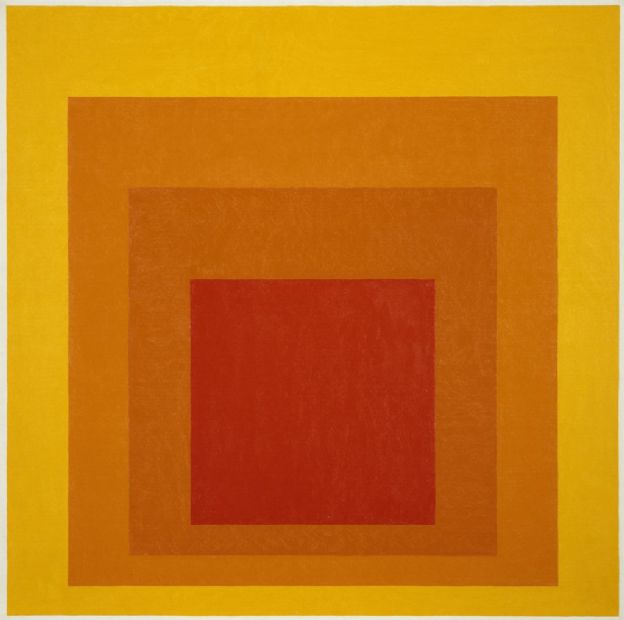
Master teacher Joseph Albers wrote a poem about design.

To design is
to plan
and to organize
to relate and to control.
In short it embraces
All means opposing disorder
and accident.
Therefore it signifies
a human need
and qualifies man’s
thinking and doing.


Artist Reference:
basic_shapes_3rds.jpg
Instructional Strategy
  • Identify > Similarities & Differences
Learning Activity

Apply Knowledge and Skills:
Studio Activity 1:
Create >  Organizational Geometrics
DSC_0646.JPG
Goal: Create a well organized composition by substituting geometric shapes and form for figurative images.  

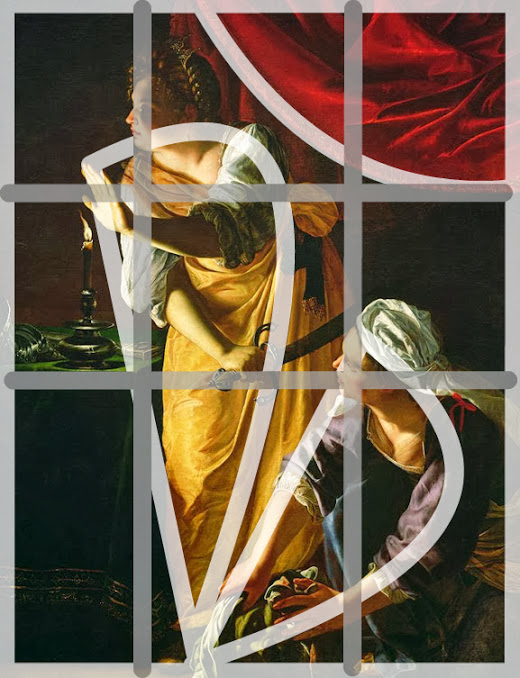
Studio Action: Go to  the Art Institute Chicago’s Modern art online > http://goo.gl/63vdFJ and select a reproduction of a representational art work.  Analyze the work and seek out the dominant principles of design (unity/variety, balance, emphasis, contrast, rhythm, proportion/scale, figure/ground)Reinterpret the composition using only geometric and free form shapes in place of the original figurative images.  Maintain the compositional order and proportions of the original work but feel free to manipulate the shapes and forms with value ranges, textures, patterns and colors. View the process here > https://goo.gl/photos/x17SvX4ZrnHBEwoVA  

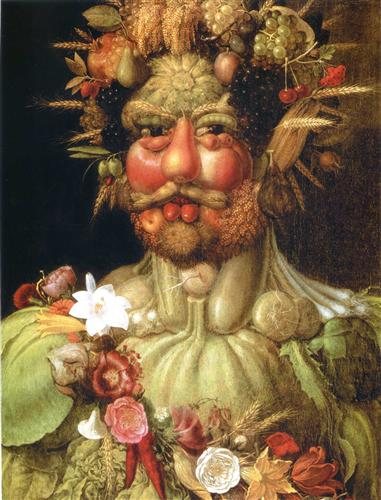
Alternate Studio Action > If accurate rendering is what you want to do, this studio activity’s goal can still be achieved by doing something similar to the works of Giuseppe Arcimboldo.  View his works here > http://goo.gl/Uxh37p
Trigger Mechanisms:
Abstract, repeat, transform

Materials:
Paper, paint, markers, mix-media

Studio Activity 2:
Create >  Design by Chance
the-snail-1953.jpg!Blog.jpg
Goal: Create a random ordered design using serendipitous or chance methods.

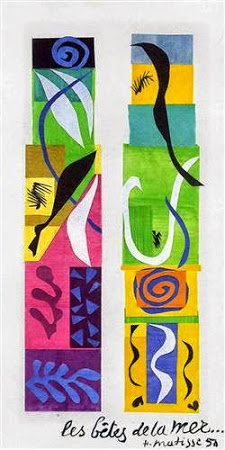
Studio Action: Cut and tear colored construction paper into various geometric and organic shapes.  Without consciously controlling the placement, drop the shapes, one by one, onto a larger sheet of paper.  Glue the pieces exactly where they fell.  Repeat the procedure until all of the shapes are attached to the surface.

Next, make an adjustable viewfinder by cutting out two “L”-shaped pieces of tagboard and clipping them together.  With the  viewfinder, search the collage for an aesthetically pleasing composition.  
Finally, replicate the collage composition in the form of a painting.  The goal is to match the shapes, colors, tones and textures of the collage as accurately as possible.

Trigger Mechanisms:
Combine, transfer, render
the-maritime-wildlife-1950.jpg!Blog.jpg
Visual examples
Matisse Gallery Walk Through > http://goo.gl/1z4SgW video > http://goo.gl/DMUI0l

Materials:
Paper, pencil, paint, viewfinder
Destiny_classroom
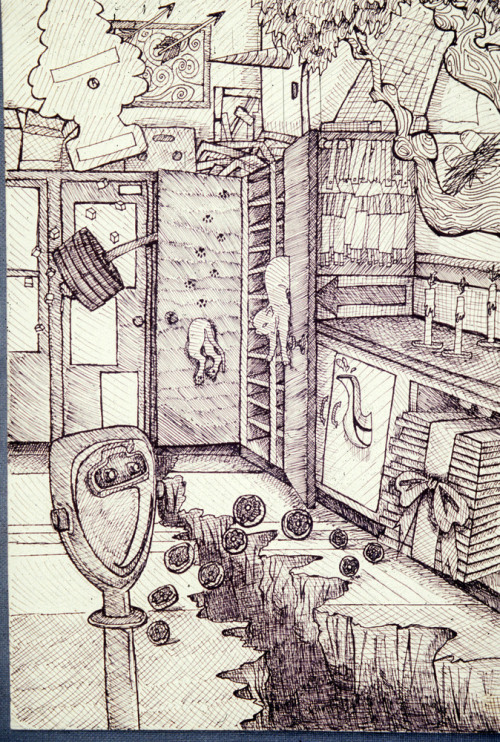
  1. *Alternate Studio > If accurate rendering is what you want to do, this studio activity’s goal can still be achieved by doing something similar to the works of the surrealist artists of the 1920’s.  Take a photo of an interior room or find one and print it out.  Next cut out and or print images of random subject matter.  Shake and drop the cut-outs onto the interior print out.  Take a picture of your chance design and draw the image.  View examples here > http://goo.gl/jTjgLA collage will NOT go in your portfolio, it’s just a guide for your drawing.

“The details are not the details.  They make the design.” ~ Charles Eames

Generalize, Reflect & Publish:
Instructional Strategy
  • Evaluate the results
Learning Activity
Reflect > Should I go back and rework anything?
  • How did you combine art elements (line, color, shape, texture, value)  to develop art principles? (Unity/variety, balance, emphasis contrast, rhythm, proportion/scale, figure/ground relationship)
  • Where are the dominant shapes, forms, colors, or textures that carry expressive significance?
  • Why Is the work ordered and balanced or chaotic and disturbing?
  • What gives the work its uniqueness?
  • Is symbolism used in the work to convey meaning other than what one sees?
  • Does the work evoke any feelings?

Instructional Strategy
  • Providing Recognition
Learning Activity
Publish > Share your album to our G+Community > Concepts & Creations category
Display > Add your photos to the Event

Instructional Strategy
  • Providing Feedback
Learning Activity
Critique >
  • Give positive feedback > +1 every image that deserves it
  • Give peer feedback > Give 2 peer images a VTS critique > http://goo.gl/1WWmBY
Self-assess >

Create > Unnatural Silhouettes Album

Create > Unnatural Silhouettes Album


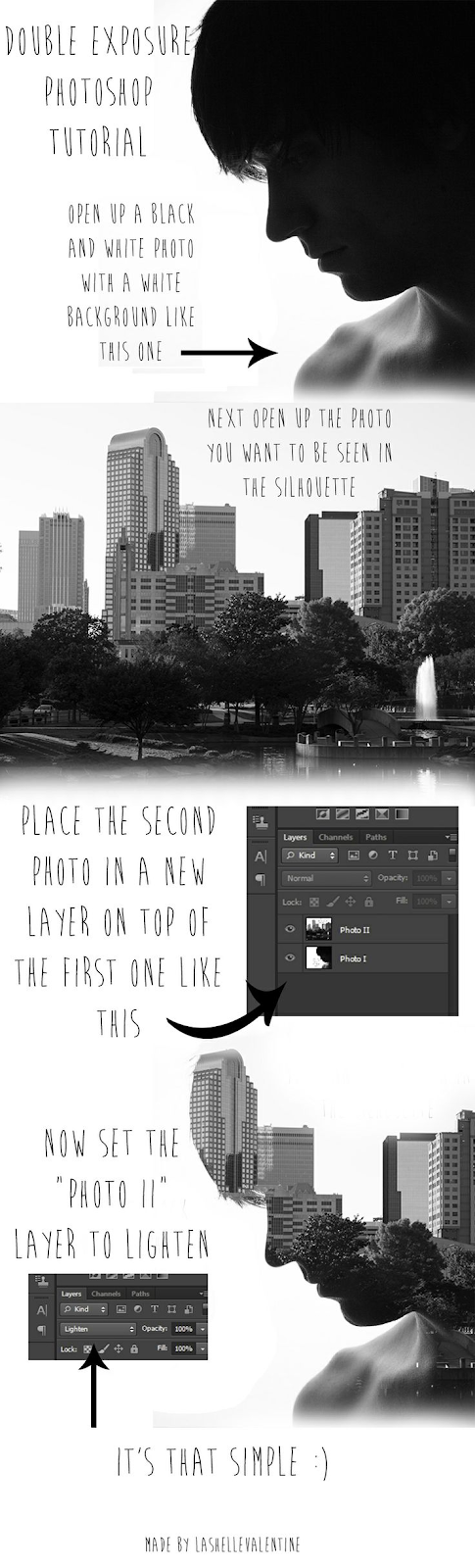
Goal:  Make three (3) double exposure silhouette images

Studio Activity:
  • Stage a series of images that emphasize silhouette shapes.  
  • Capture other images that metaphorically represent the individual in the silhouette image.
  • Follow the tutorial below to exploit a double exposure effect.

Trigger Mechanisms:  Contrast, Metaphor, Analogy

Visual Examples:

Tutorial:  

Unnatural Silhouettes
Click > The Official site button for the full lesson


Monday, February 1, 2016

Create > Projection Mapping Profile Portrait Photo Breadth

Create > Projection Mapping Profile Portrait Photo Breadth


Goal: Create a profile portrait emphasizing identity through the use of projected imagery.  

Studio Activity:
Projecting mapping images across a 3D from creates a double scene.  The projected image becomes distorted and obscured as it falls within shadowed crevices and bends around the 3D from.  Projecting images onto people is a great way to experiment with topics of identity and portraiture.  
  • Project relevant imagery from an LCD projector onto your face.
  • Search for imagery pertaining to your identity
    • a map of your neighborhood
    • images of horses or the woods
    • lyrics to a song
    • abstract digital art
  • Capture close ups of your face along with the projected imagery from the LCD
  • Manipulate and enhance the images
  • Save them to a new G+ Album title  and use it as your G+ profile pic.

Trigger Mechanisms: Distort, Manipulate, Dynamic gesture, Multi-dimensional  

Visual Examples:


Car%2BProjection%2BMapping%2Bby%2BRadugadesign.gif


Monday, January 25, 2016

Create > Gestalt Grouping

Create > Gestalt Grouping


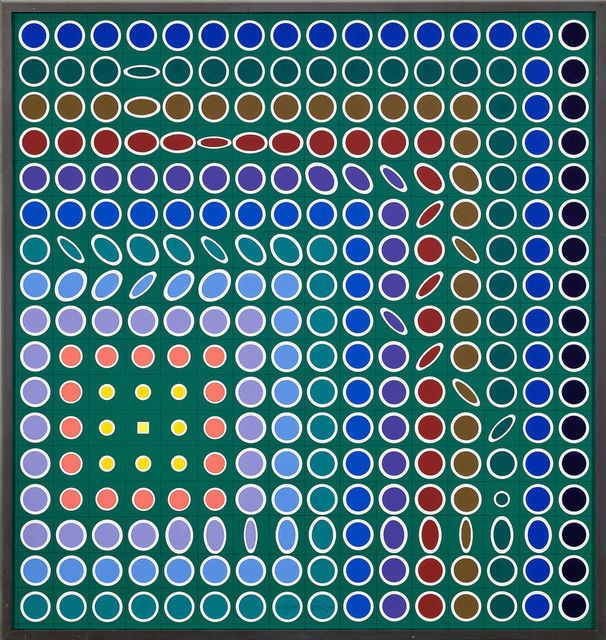
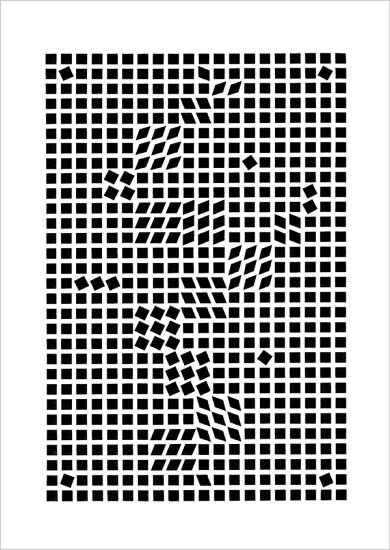
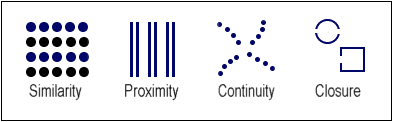
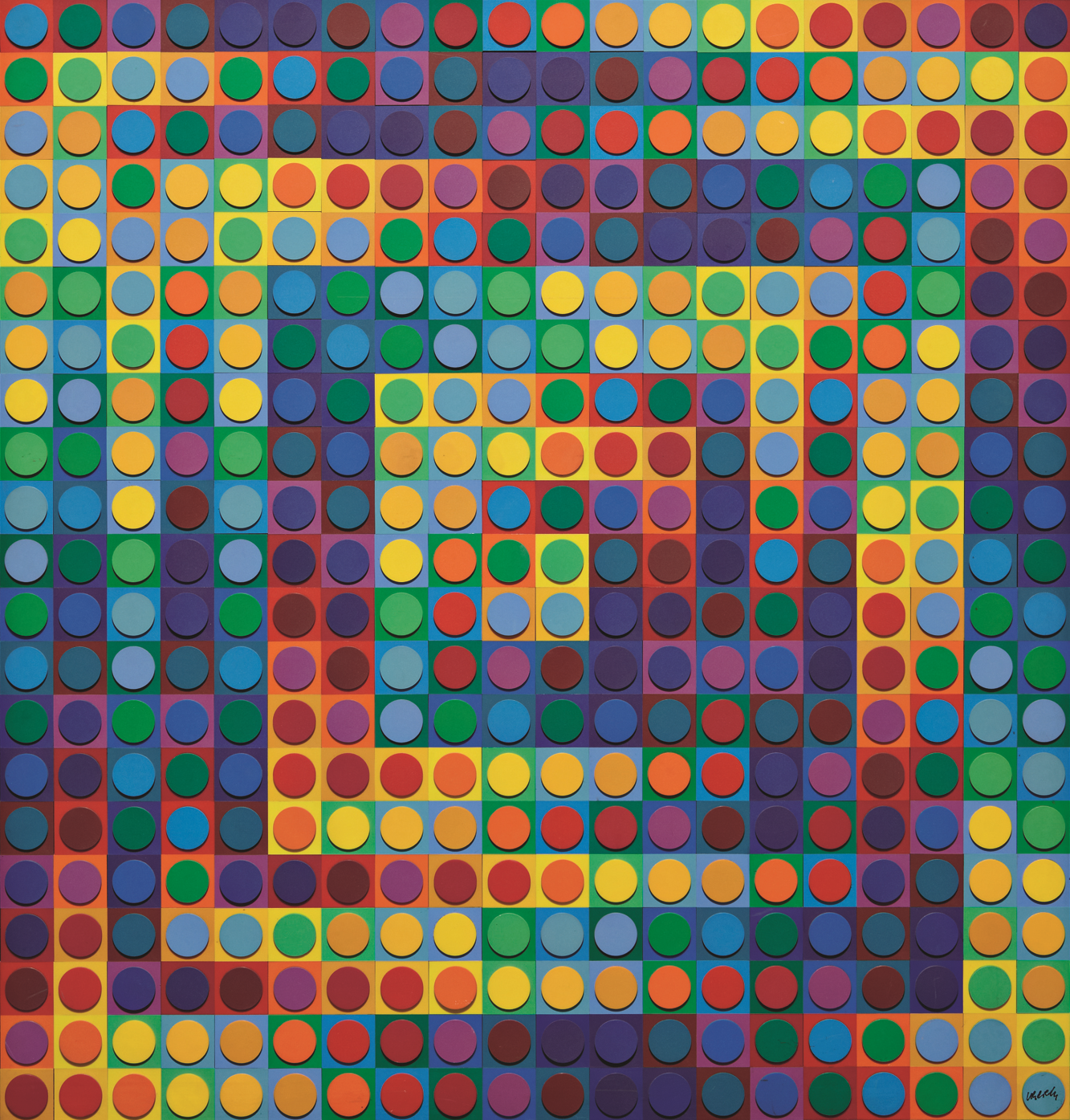
  • Things which have similar qualities will appear to belong together.  So we see squares because common colors are visually linked within this matrix.  


Goal Concept:
Perceptually link elements in your design with common properties..


Access Prior Knowledge:


“The ‘principle of similarity’ asserts that the degree to which parts of a pattern resemble each other in some perceptual quality will help determine the degree to which they are seen as belonging together” ~ Rudolph Arnheim


New Information:
Grouping
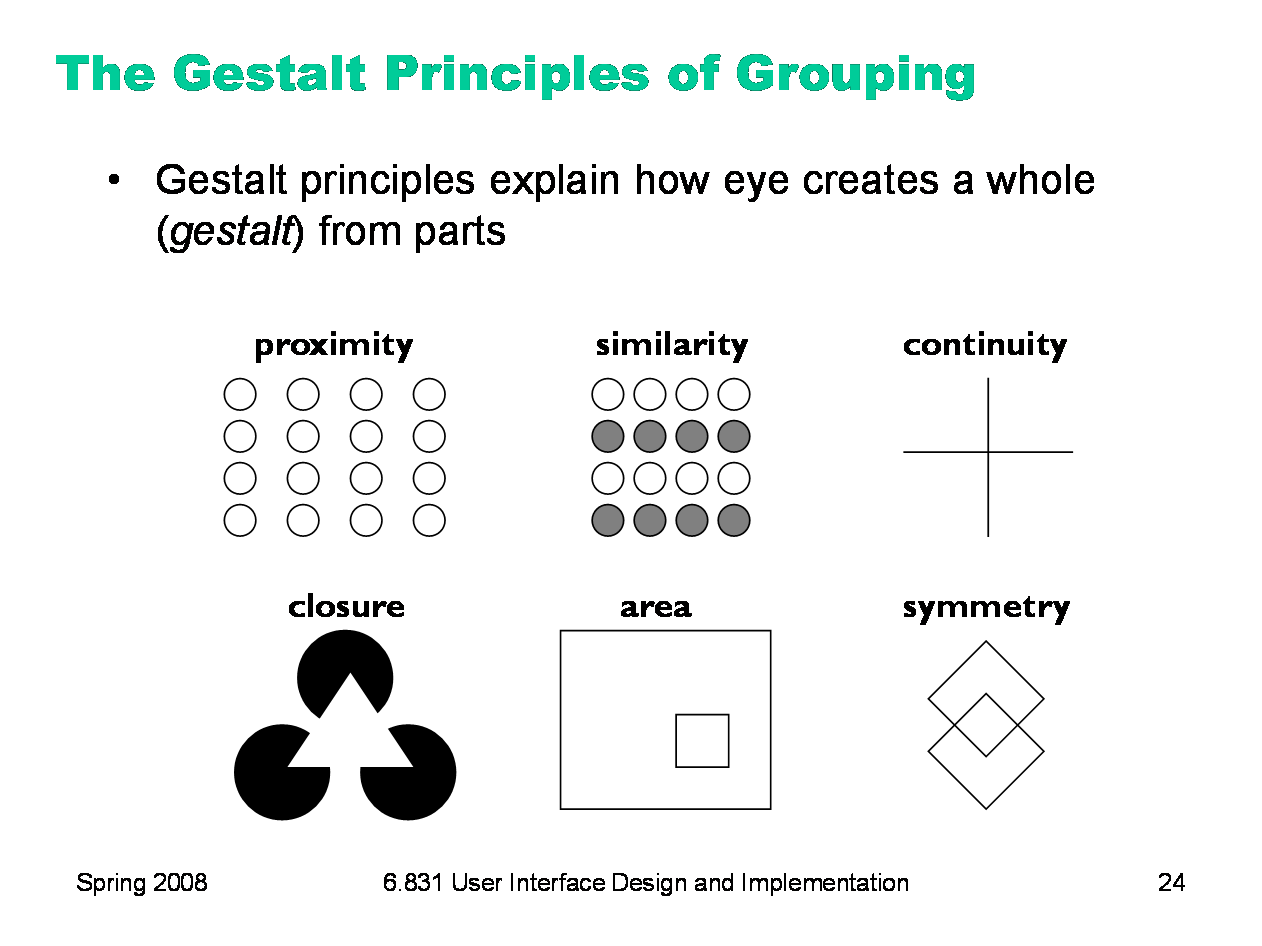
The rules of perceptual grouping were established by Gestalt psychologists like Max Wertheimer in the 1900.  Perceptual grouping is similarity grouping or ‘the degree to which parts of a pattern resemble each other will help determine the degree to which they are seen as belonging together.’  Aristotle said similarity is the key factor in the logical classification of things.  The Greek poet Homer wrote, “Like takes to like.”   
  • the modular units that differ from the squares are still visually linked but provide a sensation of movement.


The Gestalt psychologists discovered that in the normal process of visual scanning, the eye-brain network seeks and identifies ‘visual gestalts’ - perceived integrations - within any visual field, even in those which at first seem undifferentiated or visually incoherent.  


This is important for you because, in any design or painting, things which share common properties will be perceptually linked.  Through similarity grouping and closure, dots become lines, lines become shapes, and shapes become images.  


Artist References:
Ken Knowlton > http://goo.gl/LeN7jf  


Apply Knowledge and Skills:


Studio Project 1:
Create > Grouping Letters or Numerals
Figure%2BGround%2BProject%2B%2B%2BFlickr%2B%2B%2BPhoto%2BSharing%2B.png


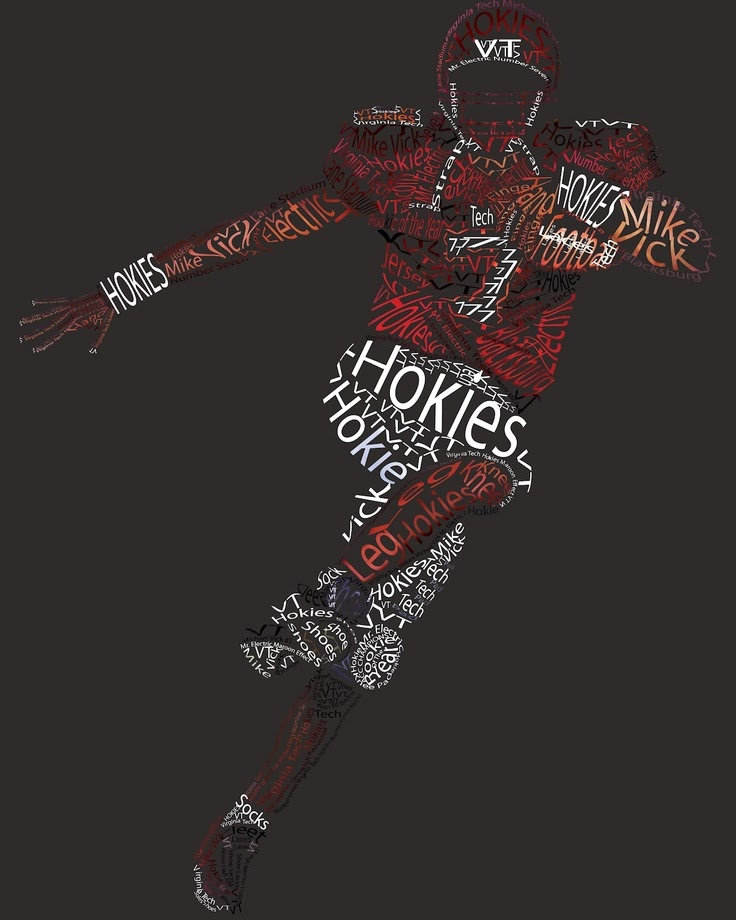
Goal: Create an allover pattern using only letters or words


Studio Activity: Grouping Letters or Numerals
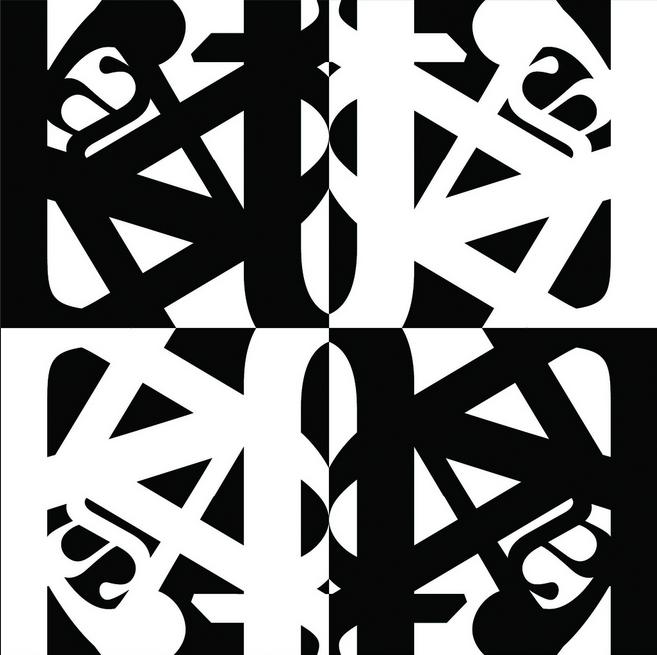
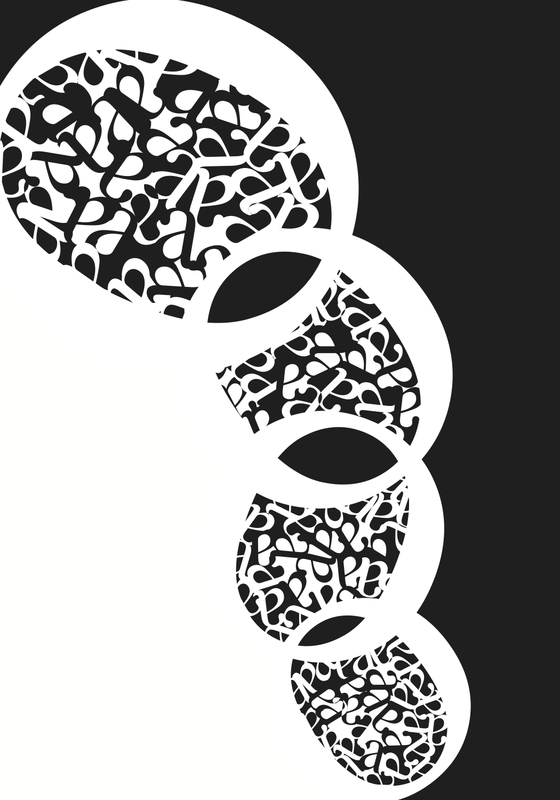
Group only letters, numerals or technical symbols to produce an allover pattern.  Repeat the units either overlapping or just touching not overlapping.  As you arrange the elements to produce an integrated design, be aware of positive and negative space (figure/ground).  
Enrichment:
Use words and images to produce an abstract composition.  Write, print, type or use collage to produce the design.  Repeat the visual elements to create a visual texture as well as an idea.
 
Trigger Mechanisms:
Repeat, combine, animate


Materials:
paper, marker, templates, magazines, computer


Visual Examples:


1545698.png


Studio Project 2:
Create > Grid Matrix Patterns
Goal:  Make certain elements look alike so as to be seen as belonging together


Studio Activity: Grid Matrix Patterns
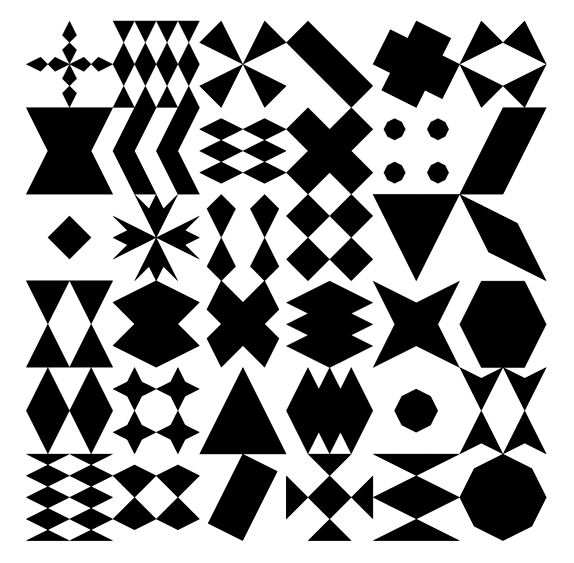
Begin by making a grid matrix which will be used as an alignment device. Create a grouping pattern composition with round, square or triangular dots, used either singly or in combination.  some ways of producing dot grouping patterns are:
  • change the color, size or texture of some dots
  • substitute different shaped dots
  • omit some dots
  • shift the alignment of some dots
  • randomize the placement of some dots


Trigger Mechanisms:
Repeat, combine (perceptually), animate


Materials:
paper, ruler, compass, scissors, felt-tipped marking pens, templates


Visual examples:


“The relative degree of similarity in a given perceptual pattern makes for a corresponding degree of connection or fusion.” ~Rudolph Arnheim


Generalize, Reflect & Publish:
Instructional Strategy
  • Evaluate the results
Learning Activity
Reflect > Should I go back and rework anything?
  • How did you combine art elements (line, color, shape, texture, value)  to develop art principles? (Unity/variety, balance, emphasis contrast, rhythm, proportion/scale, figure/ground relationship)
  • Where are the dominant shapes, forms, colors, or textures that carry expressive significance?
  • Why Is the work ordered and balanced or chaotic and disturbing?
  • What gives the work its uniqueness?
  • Is symbolism used in the work to convey meaning other than what one sees?
  • Does the work evoke any feelings?


Instructional Strategy
  • Providing Recognition
Learning Activity
Publish > Share your album to our G+Community > Concepts & Creations category
Display > Add your photos to the Event


Instructional Strategy
  • Providing Feedback
Learning Activity
Critique >
  • Give positive feedback > +1 every image that deserves it
  • Give peer feedback > Give 2 peer images a VTS critique > http://goo.gl/1WWmBY
Self-assess >