Showing posts with label Video. Show all posts

Thursday, September 8, 2016

Create > Video Clip Remix
Create > Video Clip Remix


Required:
Complete > everything highlighted in yellow.


Essential Questions:
  • What is a movie?
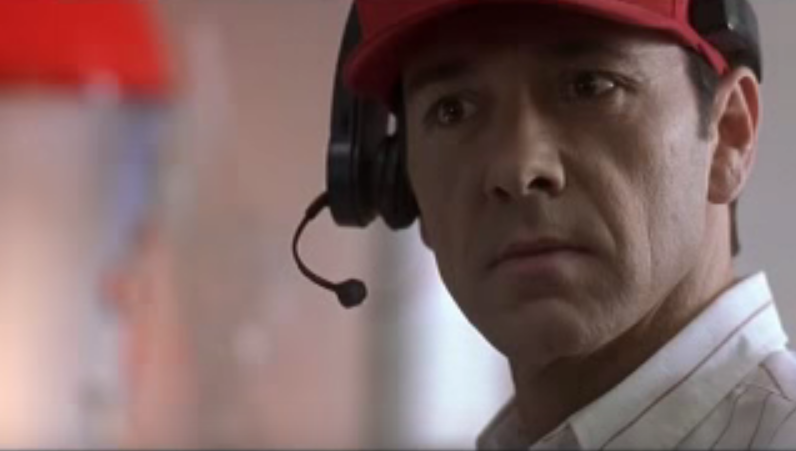
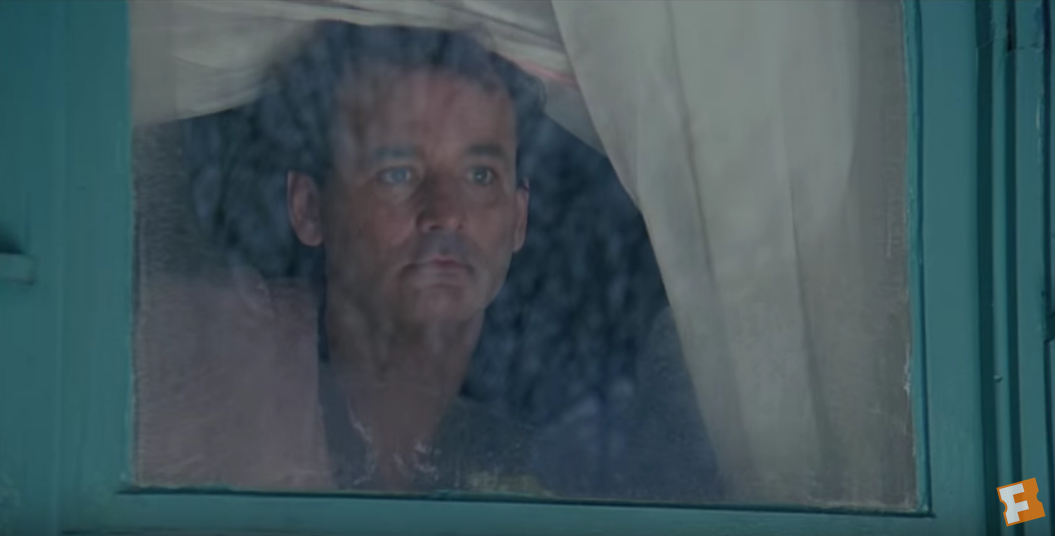
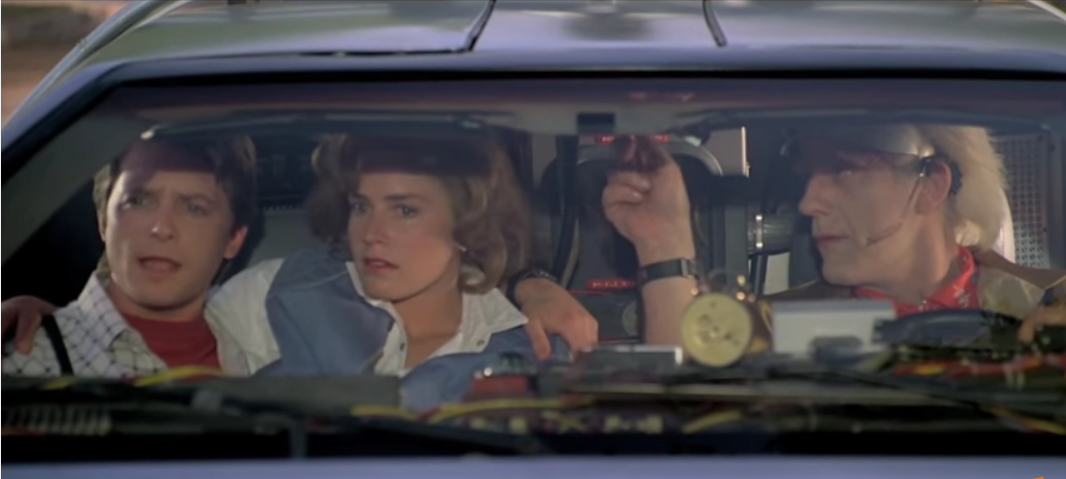
  • Why is a scene clip memorable?
  • How is a scene clip organized & designed?


Concept:
The learning process most characteristic of humans is imitation.


Standards:
  • Use design > principles and functions
  • Understand and apply > media, techniques, and processes with skill
  • Evaluate > the effectiveness of a video’s organization, design and functions.
  • Identify > the directors and actors intentions and implications.
  • Apply > techniques and processes with skill and intent.
  • Create > a video that mimics organization principles and functions


Goals: Re-Create a short movie clip


Access Prior Knowledge:
Brainstorm > a list memorable clips that you know.
Imagine > reproducing a scene clip.


New Information:
Watch >  Kirby Ferguson: Embracing the Remix > http://goo.gl/UoxCP


View > Classic Movie Clips > https://goo.gl/f5Azox


Apply Knowledge & Skills:
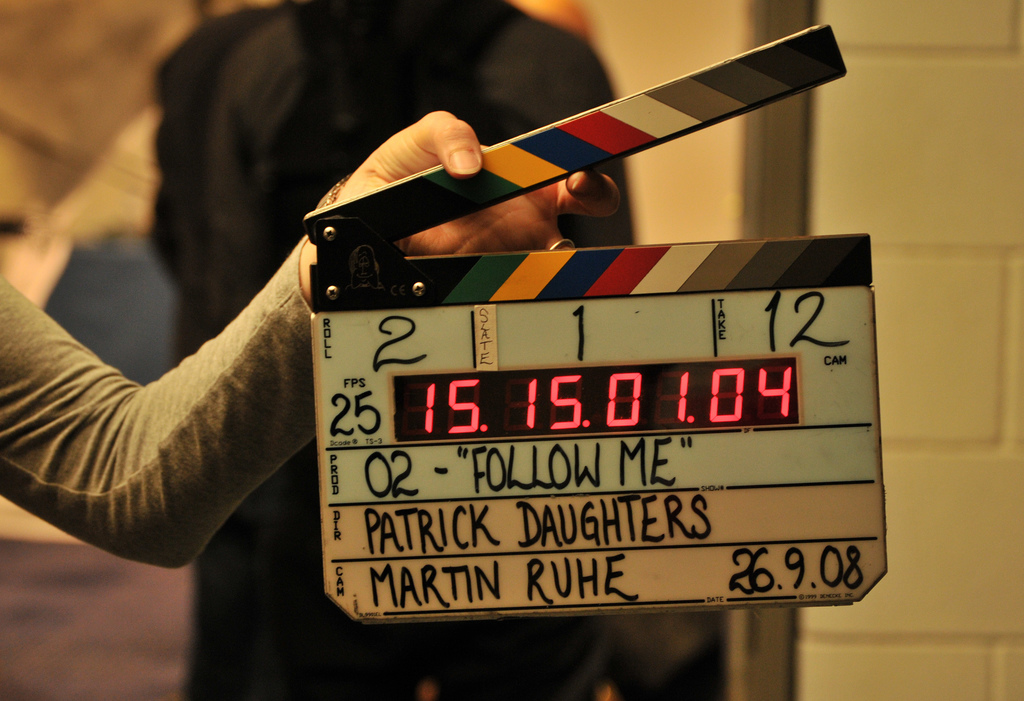
Create > Video Clip Remix
Step 1: Form a Video Project Team
Step 2: Find a significant video clip that you will re-mix
Step 3: Analyze the clip and formalize the process following the steps below.
Step 4: Outline dialogue script, what you intend to show and the main points.
Step 5: Script:
  • Whether you are going to perform in your video, use voice-over, or write captions, you must know what you are going to say before you begin.  This also limits the amount of editing or retakes that may occur.  Transcribe your chosen video clip.
Step 6: Storyboard:
Step 7: Filming:
  • The key to a good video is the actual raw footage.  Find a quiet place for recording. Set the stage in advance and follow your script and storyboard.
Step 8: Editing:  
  • In addition to Microsoft MovieMaker & Apple iMovie there are lots of free online video editors that add soundtracks, voice overs, special effects, captions, and titles.  Click here >> 10 Best & Free Online Video Editors
Step 9: Publishing:


Generalize Learning & Goals:
As an art student, I will...
Publish > video to YouTube
Publish > video to +Westosha Video Community
  • share my group’s video on social network sites
  • critique my group’s video and those of my classmates
  • evaluate and assess my group’s video - Creating Rubric
  • reflect on my effort - Life Skills Rubric


Tuesday, September 9, 2014

Storyboards

The Story Board
What is a storyboard?
Once a concept or script is written for a film or animation, the next step is to make a storyboard. A storyboard visually tells the story of an animation panel by panel, kind of like a comic book.
Your storyboard will should convey some of the following information:
  • What charaters are in the frame, and how are they moving?
  • What are the characters saying to each other, if anything?
  • How much time has passed between the last frame of the storyboard and the current one?
  • Where the "camera" is in the scene? Close or far away? Is the camera moving?
Storybaord image from Gone with the Wind
Why make a storyboard?
Creating a storyboard will help you plan your animation out shot by shot. You can make changes to your storyboard before you start animating, instead of changing your mind later. You will also be able to talk about your animation and show your storyboard to other people to get feedback on your ideas.
Example of a six shot storyboard
How do I make a storyboard?
Most commonly, storyboards are drawn in pen or pencil. If you don't like to draw you can also take photos, cut out pictures from magazines, or use a computer to make your storyboards. Keep in mind that your drawings don't have to be fancy! In fact, you want to spend just a few minutes drawing each frame. Use basic shapes, stick figures, and simple backgrounds. If you draw your storyboard frames on index cards, you can rearrange them to move parts of the the story around.
Storyboard Language
CLOSE-UP SHOT:   A close range of distance between the camera and the subject.
DISSOLVE: A transition between two shots, where one shot fades away and simultaneously another shot fades in. 
FADE - A transition from a shot to black where the image gradually becomes darker is a Fade Out; or from black where the image gradually becomes brighter is a Fade In. 
HIGH CAMERA ANGLE:  A camera angle which looks down on its subject making it look small, weak or unimportant. 
JUMP CUT: A rapid, jerky transition from one frame to the next, either disrupting the flow of time or movement within a scene or making an abrupt transition from one scene to another. 
LEVEL CAMERA ANGLE:  A camera angle which is even with the subject; it may be used as a neutral shot. 
LONG SHOT:  A long range of distance between the camera and the subject, often providing a broader range of the setting. 
LOW CAMERA ANGLE:  A camera angle which looks up at its subject; it makes the subject seem important and powerful. 
PAN:  A steady, sweeping movement from one point in a scene to another. 
POV (point of view shot): A shot which is understood to be seen from the point of view of a character within the scene. 
REACTION SHOT- 1.: A shot of someone looking off screen. 2.: A reaction shot can also be a shot of someone in a conversation where they are not given a line of dialogue but are just listening to the other person speak. 
TILT:  Using a camera on a tripod, the camera moves up or down to follow the action. 
ZOOM:  Use of the camera lens to move closely towards the subject.

Storyboard Examples
From the Jane Animation Project - Hunting Sequence
Jane Animation Project Hunting Sequence Storyboard
A simple storyboard made using stick figures
Stick figure storyboard example
A storyboard for a TV Western
TV Western storyboard example
More Links
Acting With A Pencil
Famous Frames - Storyboards from Hollywood movies

Wednesday, January 29, 2014

Analyzing Your RE-Mix Clip

Cinematography is an Art


A cinematographer is responsible for making lighting choices, placing cameras and adjusting camera movements to enhance the scene 

Lighting:
The lighting is crucial.  Cinematographers must understand how the light reflects off subjects and enhances mood and setting.

Perspective:
Cinematographers choose the lens, framing, camera placement, focal length and depth of field.

Camera Movement:
Make the camera work for different shots and how it follows and flows through a scene.  Camera movement involves fixed shots, crane shots, dolly work, handhelds, tilts and pans.

The Elements and Principles of Cinematography
Shot sizesangles, and movements are the heart of an exceptional camerawork, which, combined with a lighting crafted to enhance emotions, forms the essence of cinematography. 
These techniques provoke, inspire, frighten, relieve, and amaze us.
Read more here > http://goo.gl/jw8A1v


Elements of cinematography from Brian Turner

*Analyze your Re-Mix Video Clip*

1. Everyone analyze for the following elements of Narrative & Cinematography
  • Order
  • Events
  • Duration
  • Characters
  • Setting Scope
  • Depth
  • Scale
  • Point of View
  • Framing
  • Sequence
  • Transition
  • Sounds
2. Someones transcribe the script
3. Someones create the storyboard > http://www.printablepaper.net/category/storyboard
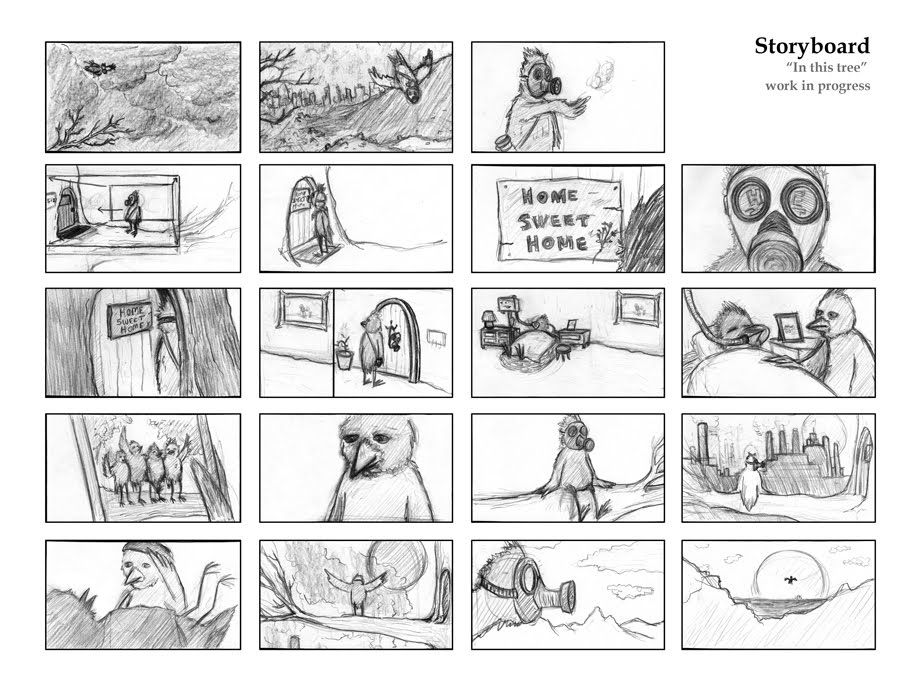
4. Share your video clip link, script and storyboard to Westosha Video Community > https://plus.google.com/communities/104234350826262991796

Digital Video Resources

Check this curated list of Video Resources > Digital Video http://sprng.me/eii72


Embrace the RE-Mix

Embrace the RE-Mix

1. Open this Doc > http://goo.gl/rQW0VE